Paste a public product link. AdsTurbo extracts product details, recommends video concepts, and generates a video ad for review.
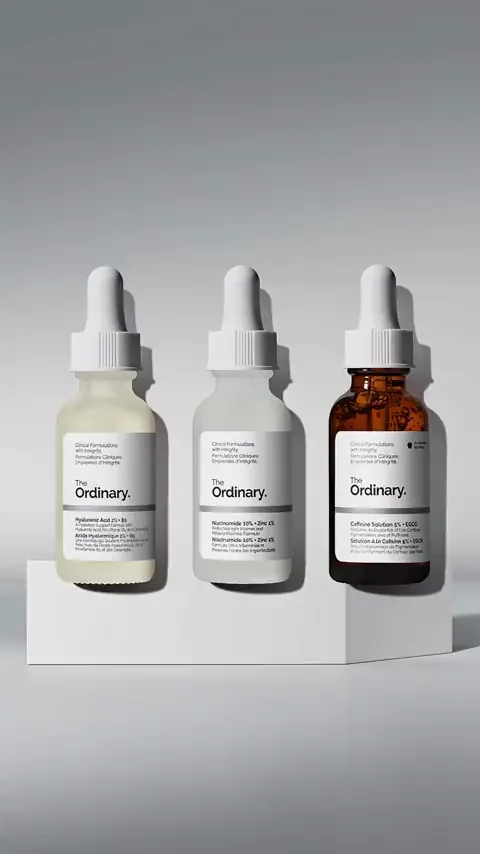
Sample (workflow example): studio product ad showing three skincare serum bottles on a white pedestal, 15 seconds
Sample (workflow example): OOTD outfit video of a brown blazer, white knit dress, and loafers in a dressing room, 15 seconds
Sample (workflow example): try-on video of a knit tank top and linen shirt on a beach deck, 15 seconds
Sample (workflow example): before-and-after closet organization video with folded clothes on a shelf, 15 seconds
Sample (workflow example): studio product ad with a close-up of a granola bag, 15 seconds
Sample (workflow example): micro-drama ad scene with two characters in traditional costume at a table, 15 seconds
AI recommends four video concepts. Choose one to generate, then reuse the link for more versions.
This page doesn’t read your link. After you continue, paste it again in the URL to Video workspace.
Product URL to video in three steps: turn a public product page into a 15-second video ad you can review in the URL to Video workspace.
Paste a public Amazon, Shopify, TikTok Shop, App Store, or Google Play product page link. AdsTurbo fetches the page and extracts the product name, description, specs, selling points, and images.
Check and edit the product name, description, specifications, and key selling points, or restore the original content. Then choose the video size, resolution, and voiceover language.
Pick one of the four recommended video concepts and generate. The 15-second ad appears in your workspace for review; reuse the link with another video concept for more versions.
The steps mirror the current URL to Video workspace. Extraction depends on the page being publicly accessible, and credits are shown before you generate.
Choose a video concept for your product category, selling points, and ad testing goal.
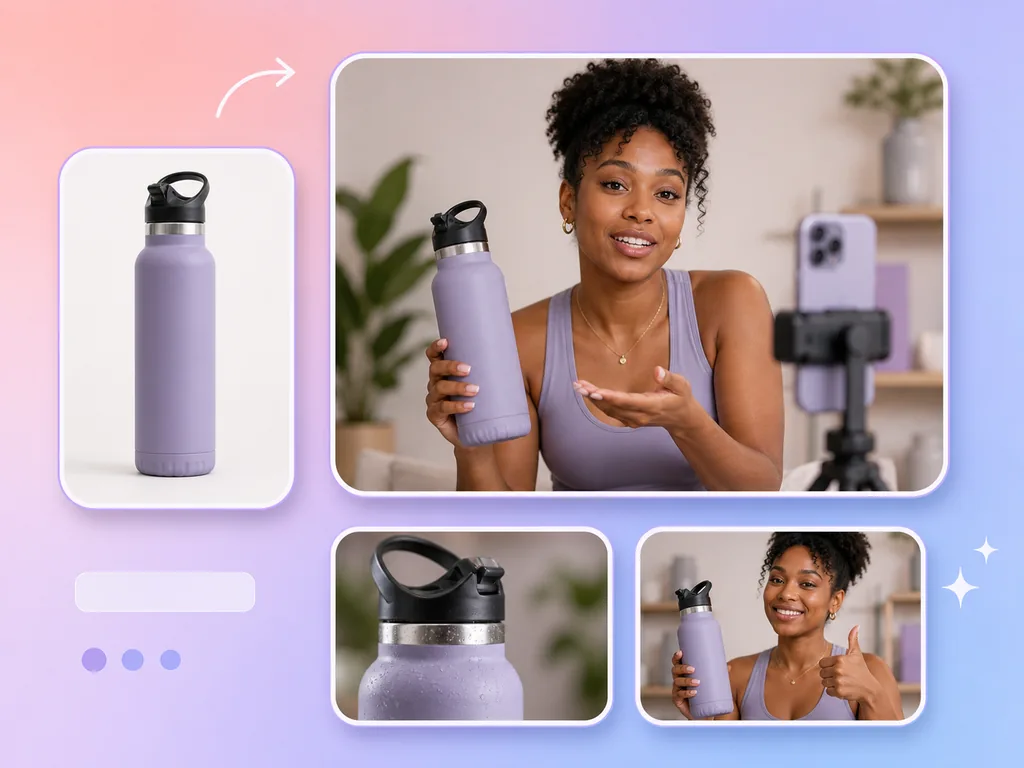
A creator talks to camera in a natural, authentic tone about the product's benefits, who it's for, and why to buy — a creator-style format for UGC video ads.
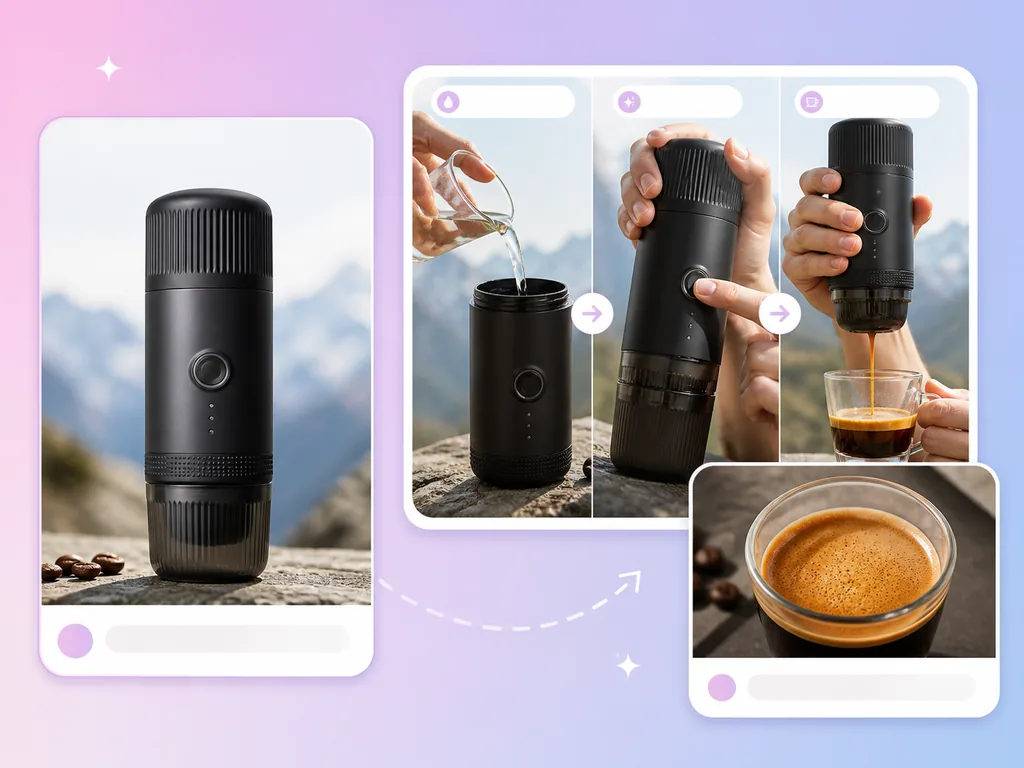
A first-person view of how the product is used, how easy it is, and the actual result — great for tools, kitchenware, and gadgets.
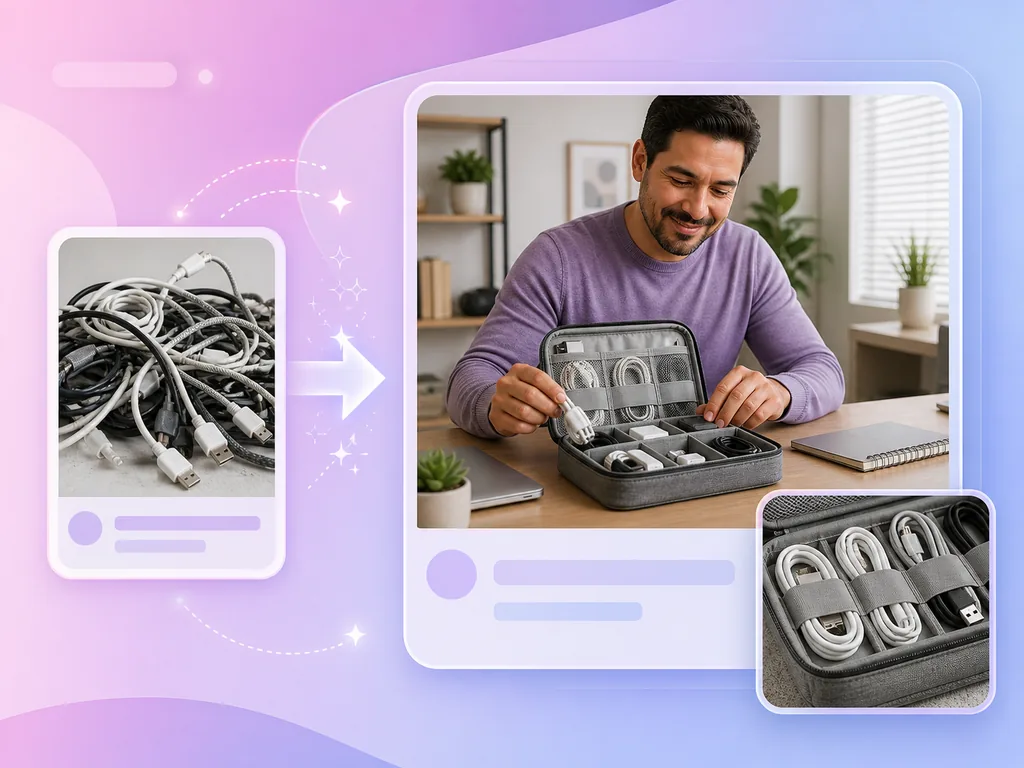
Open with a problem the viewer knows, then show how the product solves it and what improves — a problem-first story structure.
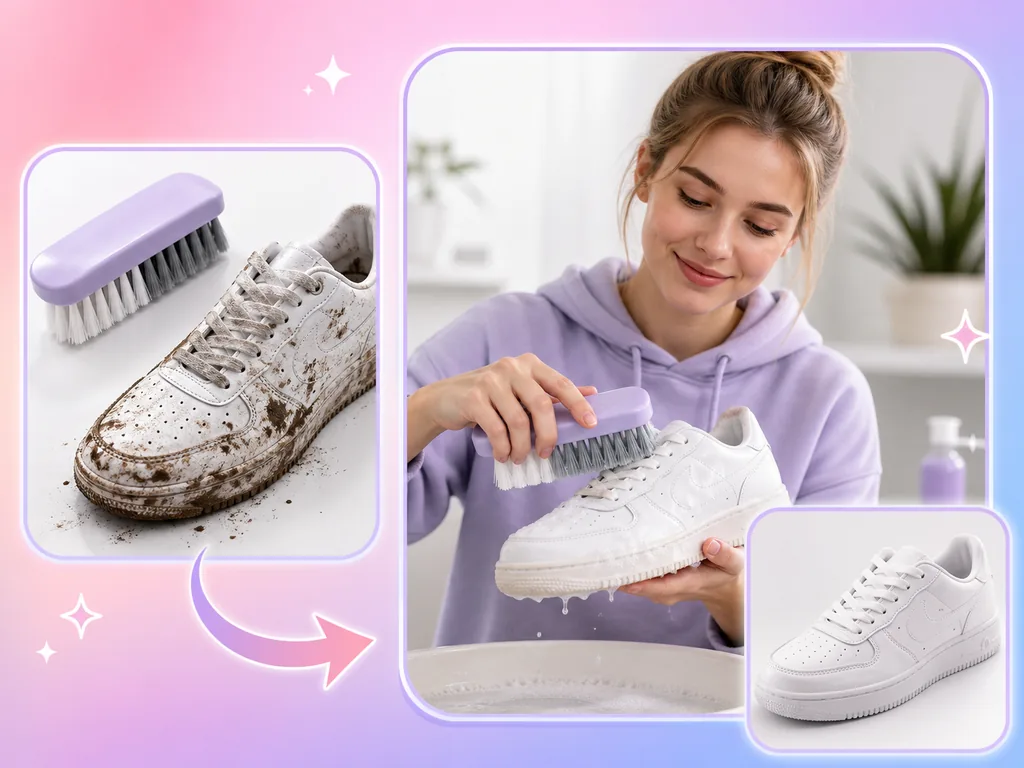
Compare the same person, object, or space before and after using the product in a before-and-after story for beauty, cleaning, and home products.
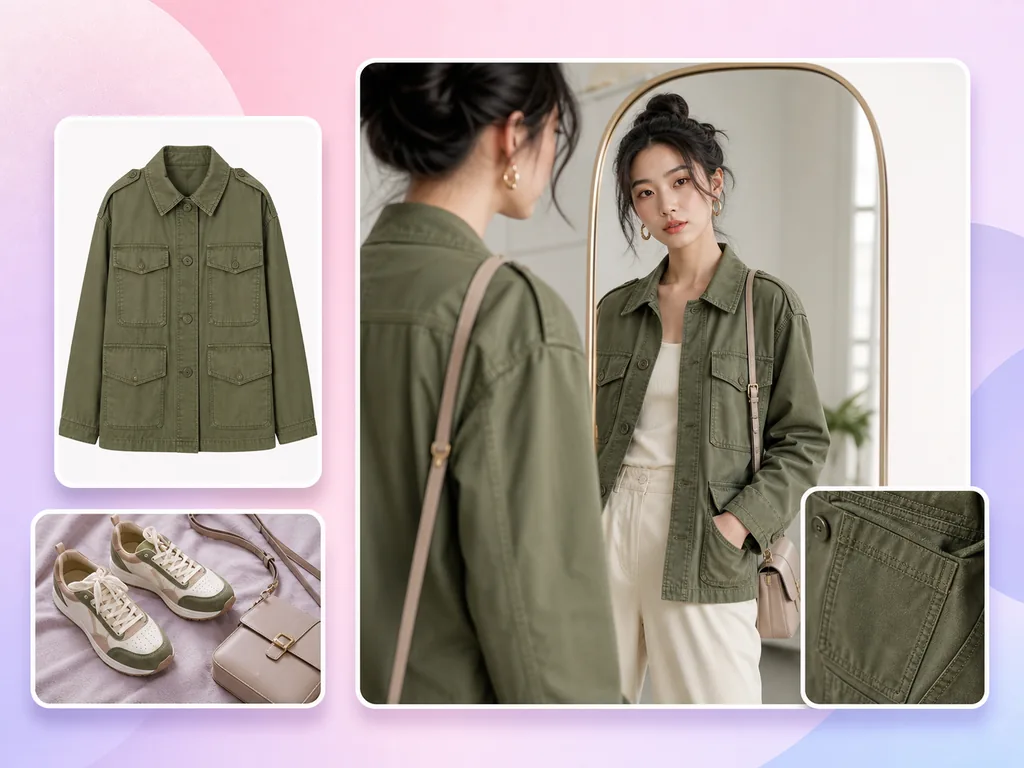
Show the fit, proportions, and details of apparel on the body, or build a full outfit around the product with shoes, bags, and accessories.
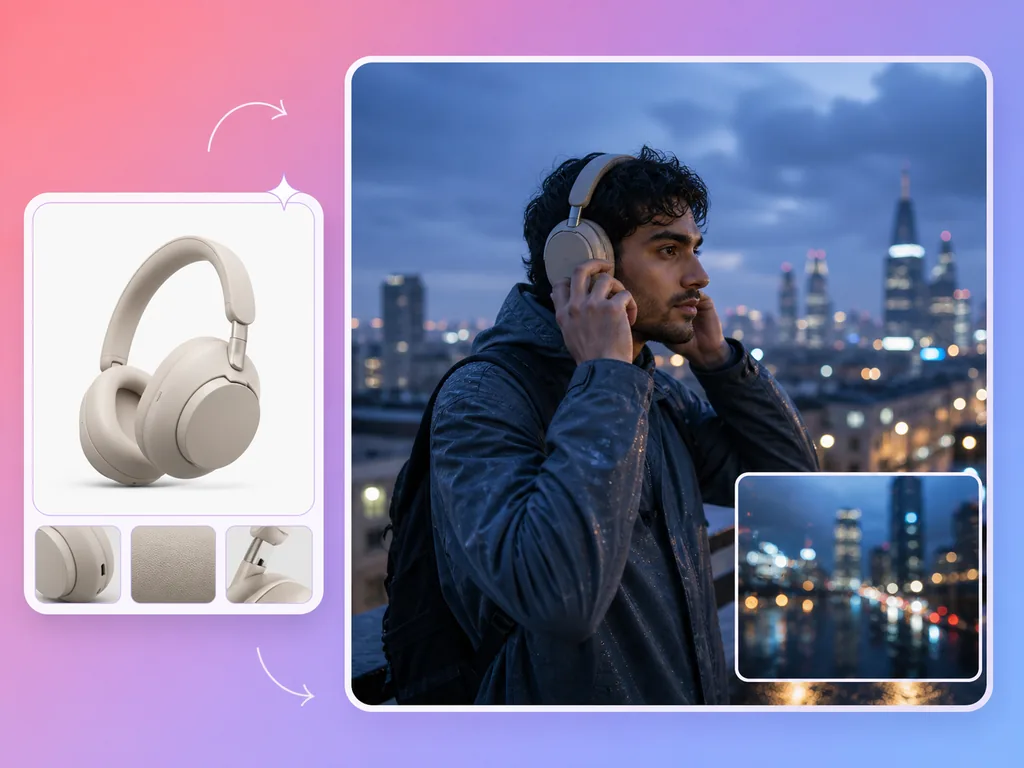
Place the product in an aspirational lifestyle scene with cinematic visuals, or hook viewers with characters, conflict, and a twist that the product resolves.
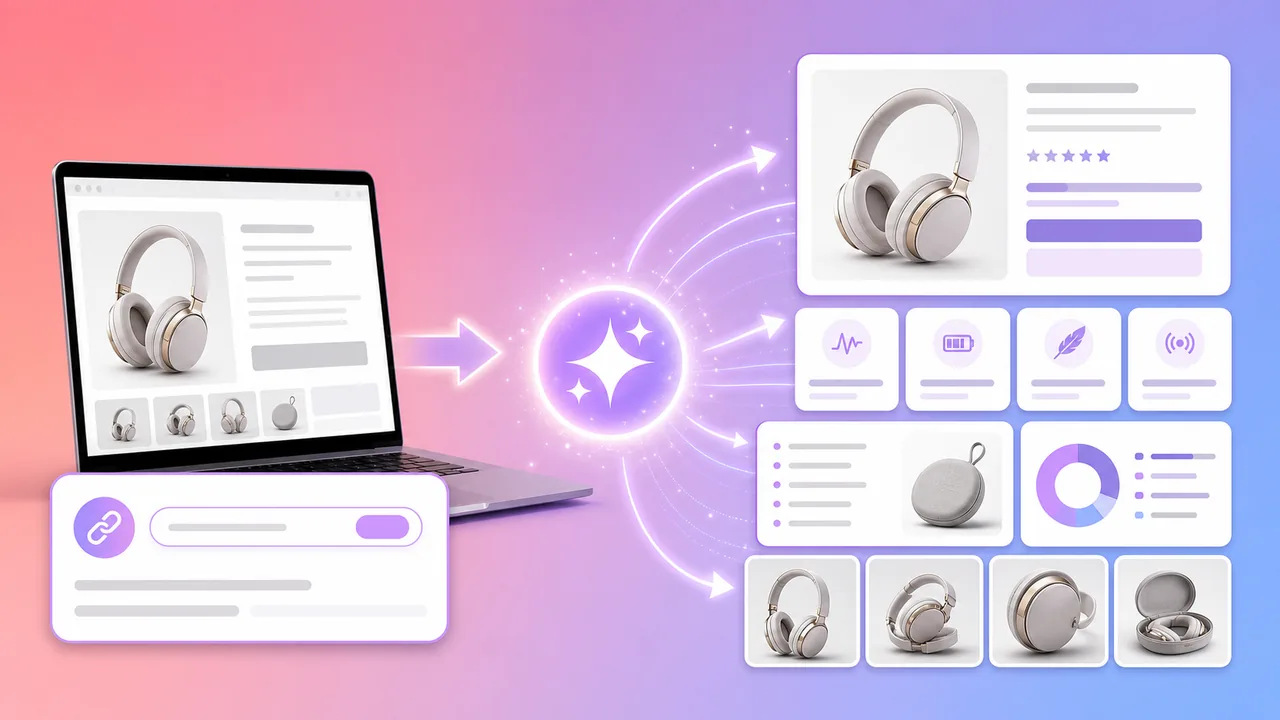
Automatic product page parsing
Need cleaner listing visuals for the same product? Create e-commerce product images with AdsTurbo.
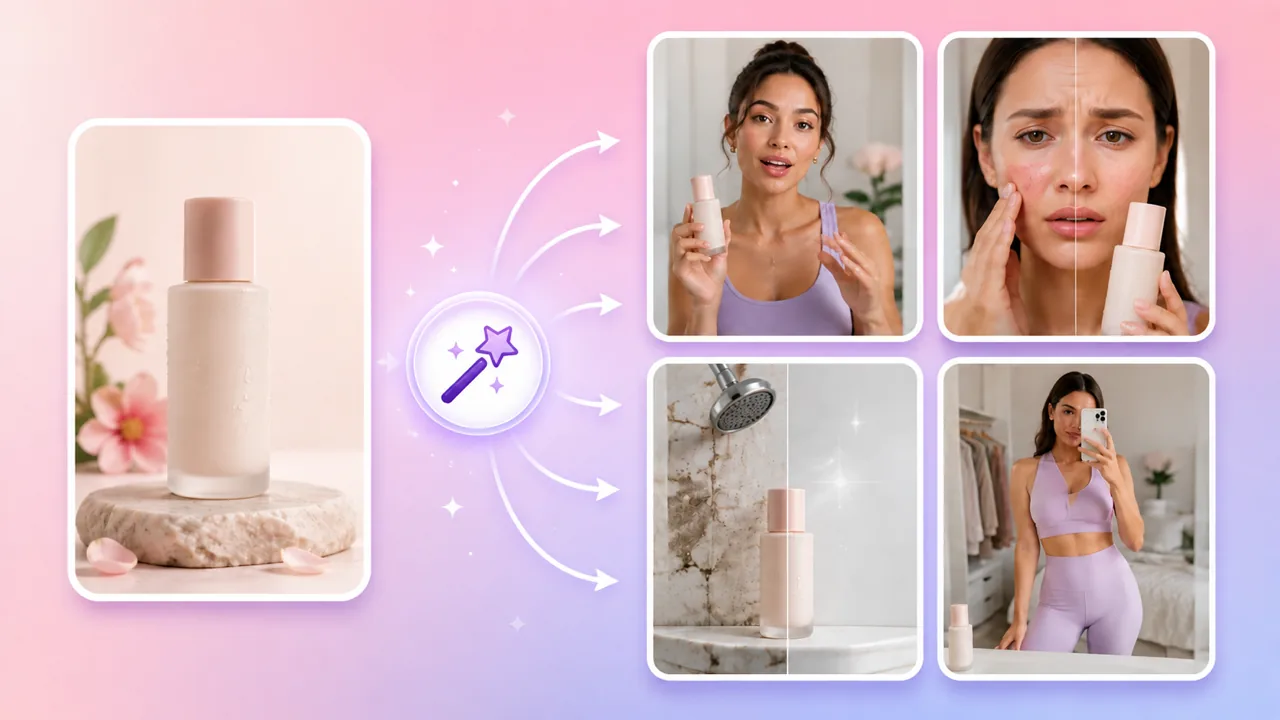
10 creative modes, smart-matched
Starting from product photos instead of a link? Generate a Product Video.
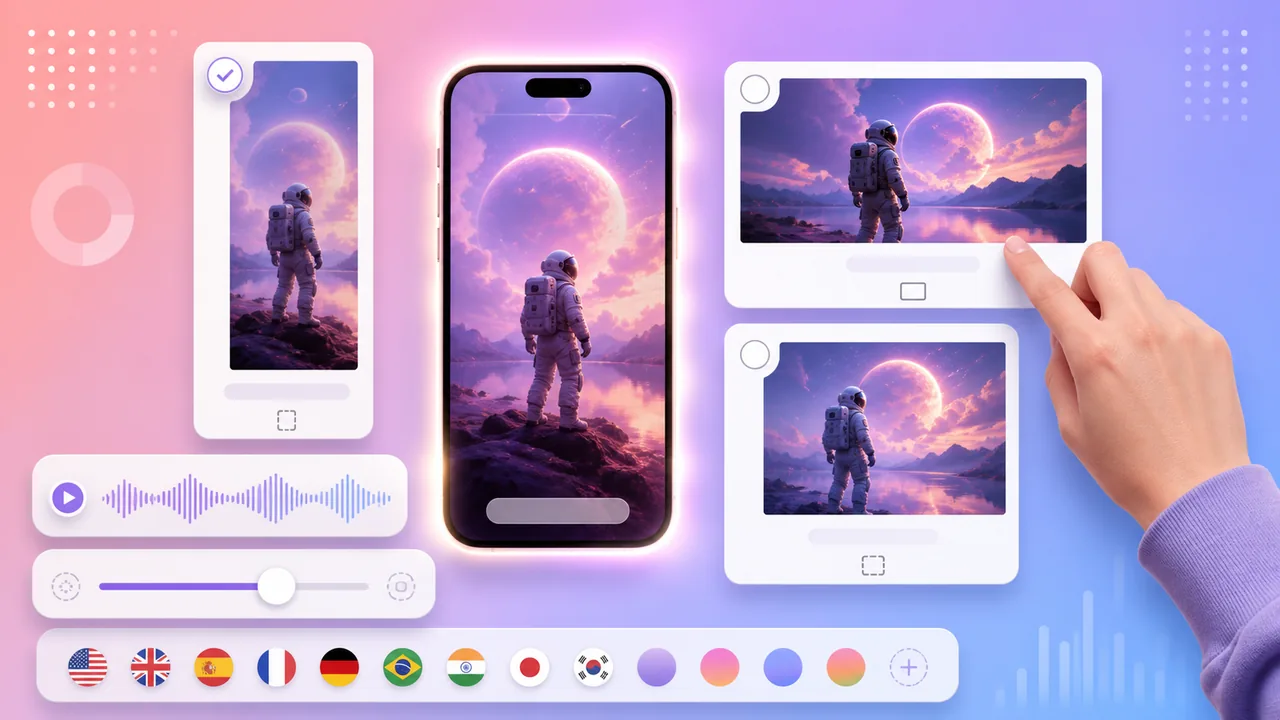
Flexible output settings
Need the ad to work with the sound off? Add AI video subtitles.
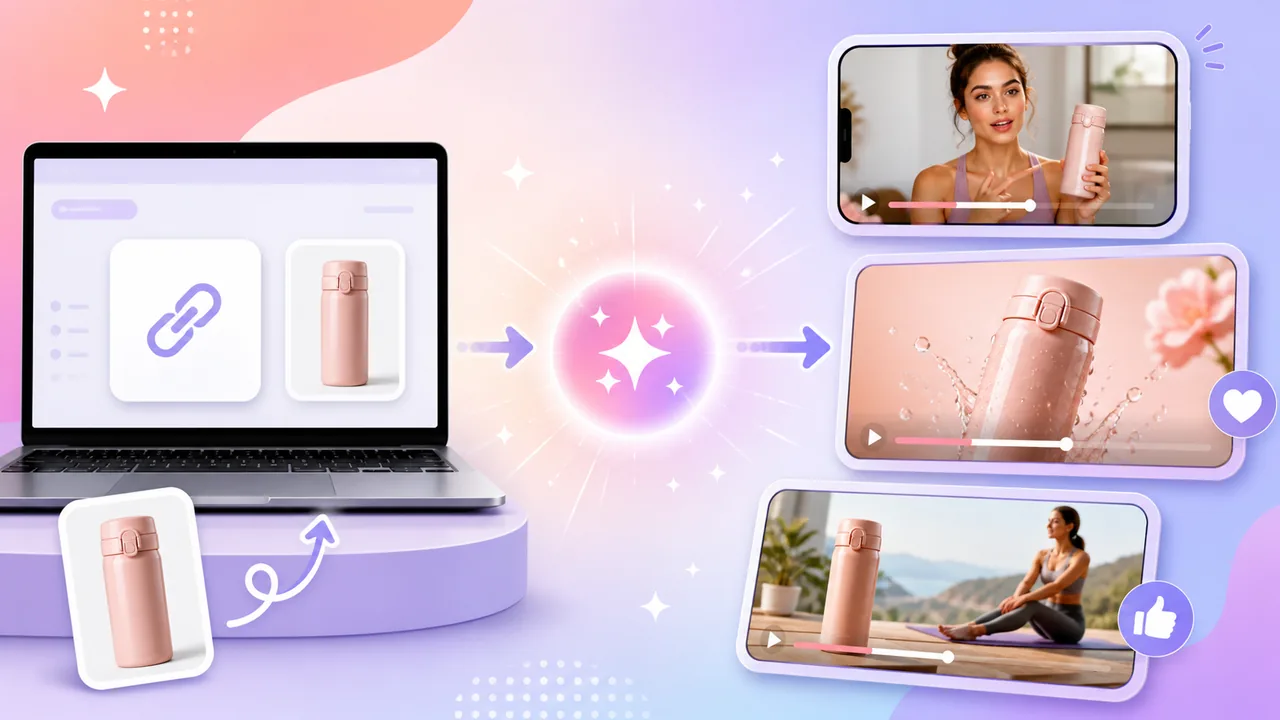
From link to a video ad you can review
Taking the ad to other markets? Translate and dub the video with Video Translation.
URL TO VIDEO WORKFLOW
Steps mirror the current URL to Video workspace. Availability, credits, and processing time vary by product page, settings, and plan; review every generated video before publishing.
Inputs, steps, and outputs compared
Qualitative comparison of workflows only. Credits, processing time, and results vary by product page, settings, and plan.
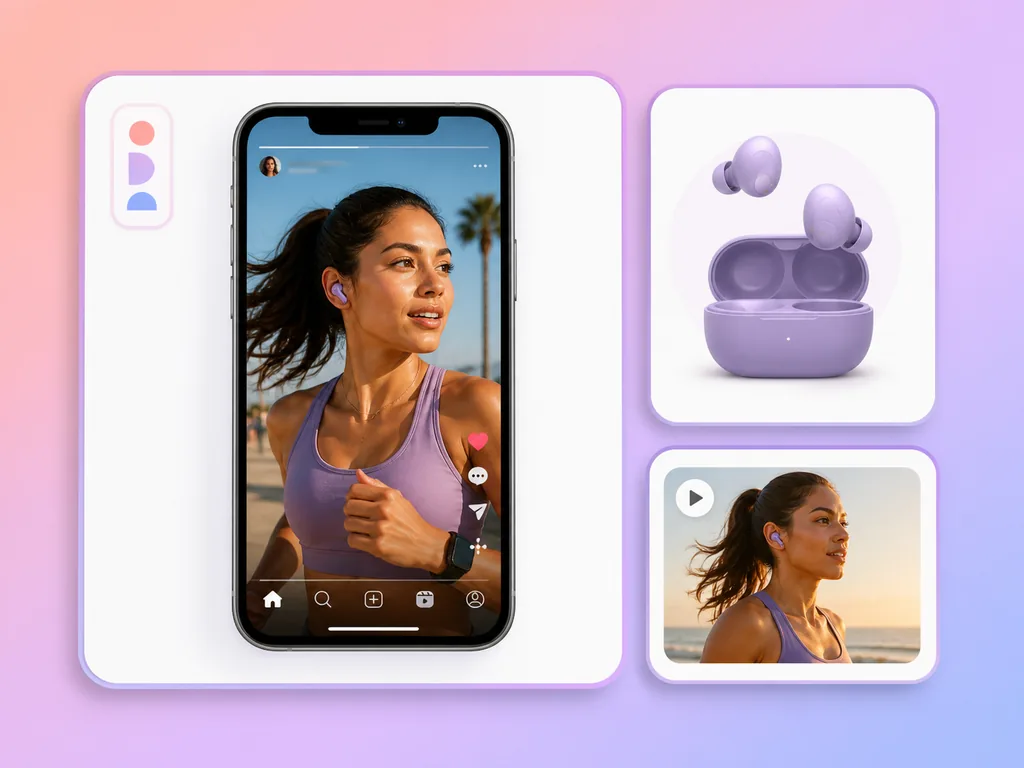
Workflow example: product link → video concept → 15-second 9:16 ad for TikTok, Reels, Shorts, and in-feed placements. The image is an illustration.
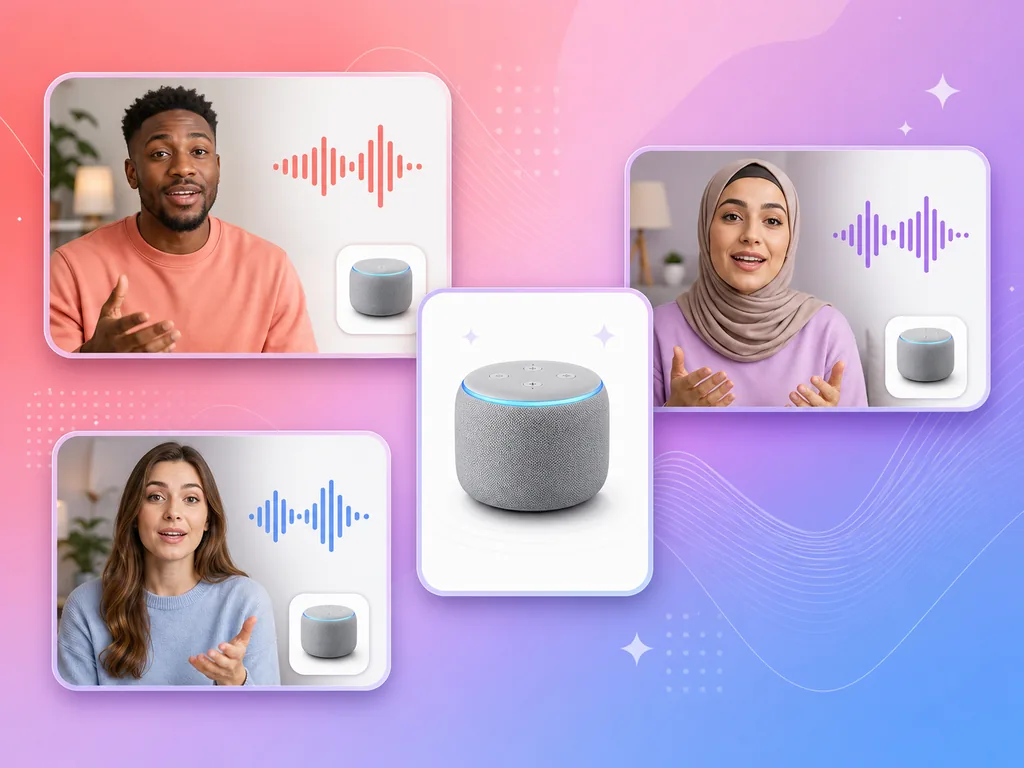
Workflow example: product link → the same video concept → 15-second ads with English, Chinese, Spanish, French, German, or Japanese voiceover for different markets. The image is an illustration.
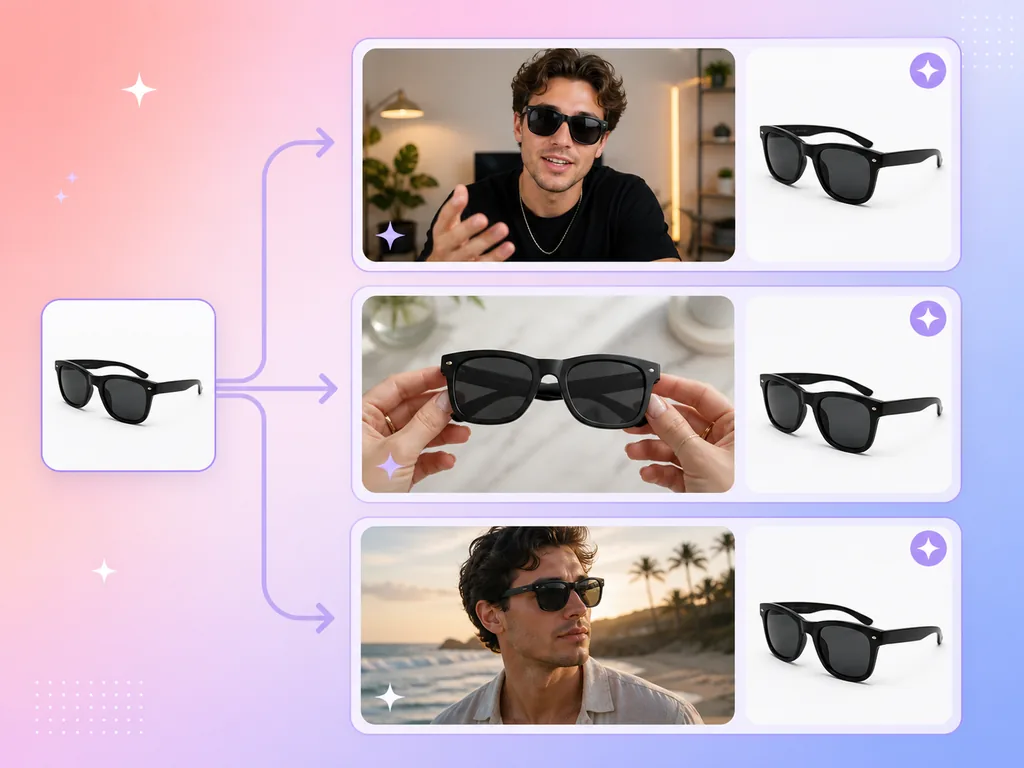
Workflow example: product link → different video concepts → several 15-second ads of the same product for A/B testing. The image is an illustration.

Public Amazon product detail pages. Use the listing name, bullet points, and images to create an Amazon product video.

Public Shopify product pages. Use your store’s product title, description, and photos to create Shopify product video ads.

Public TikTok Shop product pages. Use the listing details and images to create a product video for TikTok.

Public App Store app pages. Use the app name, description, and screenshots to create an app promo video.

Public Google Play app pages. Use the listing details and screenshots to create an app promo video.
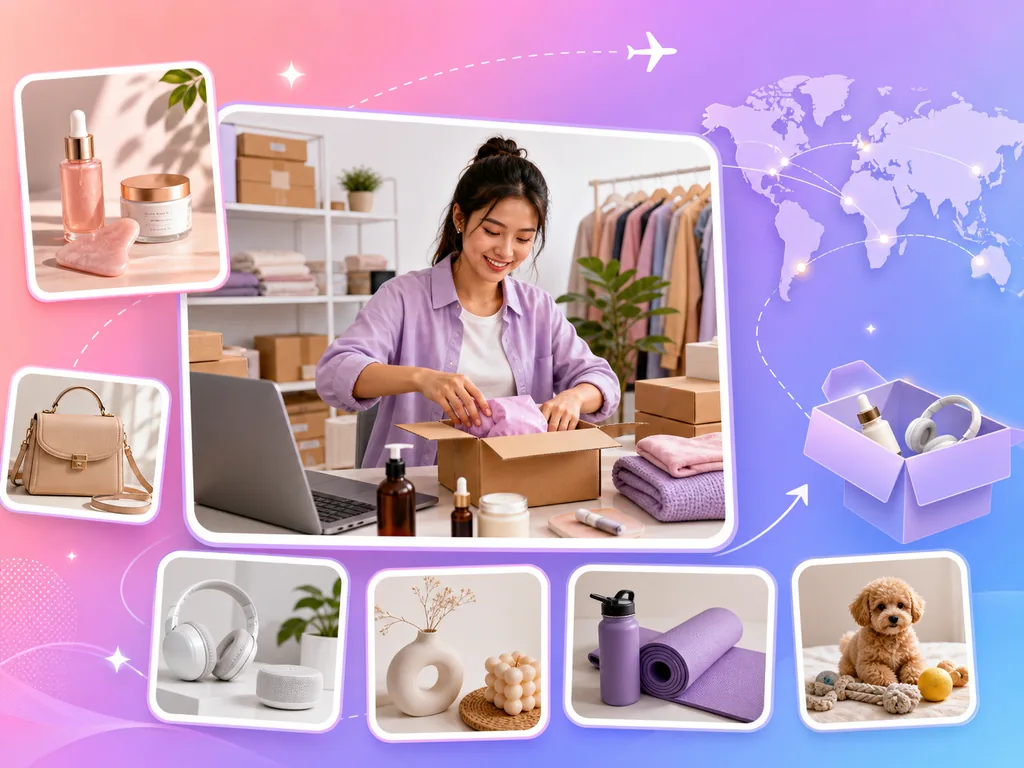
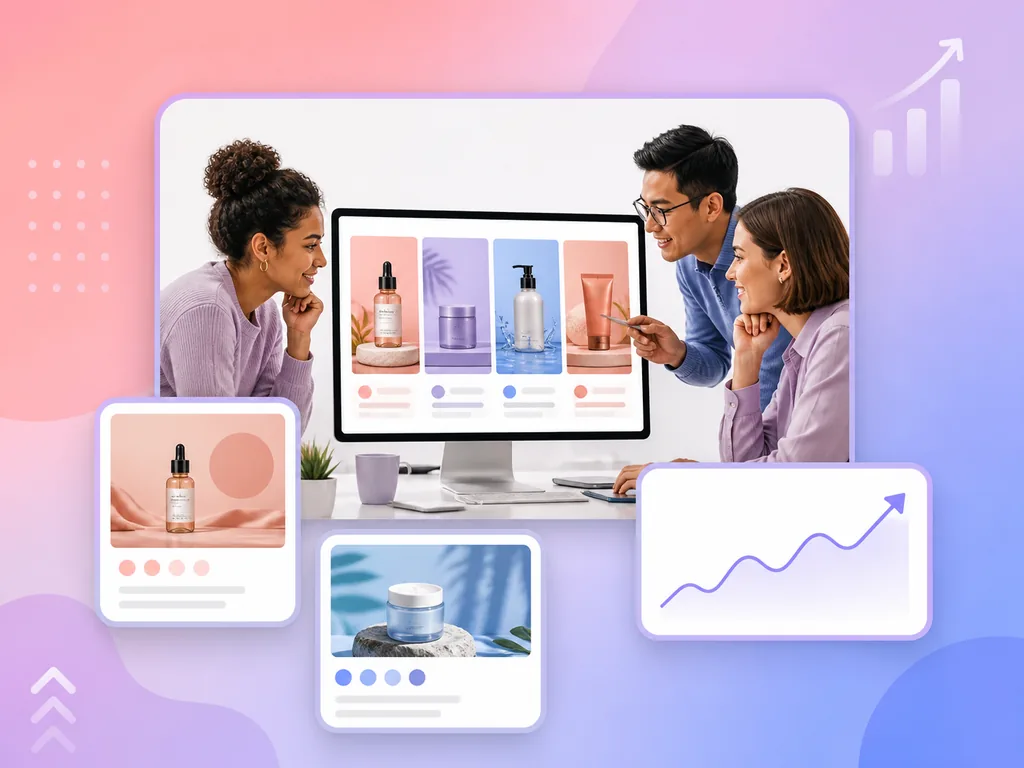
URL TO VIDEO
Public product page links from Amazon, Shopify, TikTok Shop, the App Store, and Google Play are supported today. The page must be publicly accessible with readable product information; other marketplaces and DTC stores are worth trying, but are not guaranteed.
AdsTurbo URL to Video is an AI video ad generator for product links. Paste a public product link, and AdsTurbo fetches the page and extracts the product name, description, specs, selling points, and images. You review or edit those details, choose the size, resolution, and voiceover language, then pick one of four recommended video concepts. AdsTurbo generates a 15-second ad that you review in the workspace.
Extraction only works on pages that are publicly accessible and readable. If the page requires a login, is blocked, is region restricted, or is not a product detail page, the workspace shows an extraction error instead of product details. Try another public link to the same product, or open the page in a browser to confirm it loads without signing in.
Yes for the product details: in step 2 you can edit the product name, description, specifications, and key selling points, or restore the original content. Video size, resolution, and voiceover language are chosen before you pick a video concept. There is no separate script editor in this flow — the script and visuals are generated from the details you confirm and the video concept you choose.
Yes. AI recommends four video concepts and you generate one at a time. Reuse the same link with a different video concept or voiceover language to produce more versions.
Videos are currently 15 seconds long. Sizes include 9:16 / 16:9 / 4:3 / 3:4 / 1:1 / 21:9, at 720p or 1080p.
No. AI automatically pulls the product images from the page as assets and generates visuals and voiceover based on the video concept you choose.
The credit cost of a video is shown in the workspace before you generate and depends on the resolution you choose. Link parsing also has a daily limit. Plan details and credit allowances follow the current pricing page. See AdsTurbo pricing.
Usage rights, watermark rules, and export options follow your current plan and the workspace terms, so check the pricing page and your workspace before running a generated ad in paid campaigns. Review every generated ad for accuracy and rights to the product content before publishing. Compare plans.
Yes. Paste the public product page link from your Shopify store or TikTok Shop listing. AdsTurbo extracts the product details the same way as for Amazon and app store links, and the resulting 15-second ad can be sized for TikTok, Reels, or Shorts. Starting from product photos instead? Create a Product Video.
Paste a public product link → review the details → choose a video concept → generate and review the ad. No filming, no editing, no scriptwriting.
 AdsTurbo