✨AI UGC VIDEO GENERATOR

Product VideoTurn any product into UGC-style short-form video ads

Start with a product image. Add selling points and promotional details, then choose a voiceover language for your video.

PRODUCT VIDEO ADS

Turn any product into UGC-style short-form video ads powered by AI.

Product Image

JPG, PNG up to 10MB

How Product Video works

Product Video is an AI product video generator: it turns a product image into a UGC-style short-form video ad in three steps.

  1. Upload Product

    Upload a JPG or PNG product image up to 10MB, or choose one from Assets.

  2. Configure Settings

    Enter up to three selling points, turn on Promotional Info to add Original Price, Promo Price and Promotion Details, and choose a Voiceover Language.

  3. Generate Video

    Click Start Generating and AdsTurbo creates the product video from your image and settings.

What you can control in Product Video

Explore different ways to present your product.
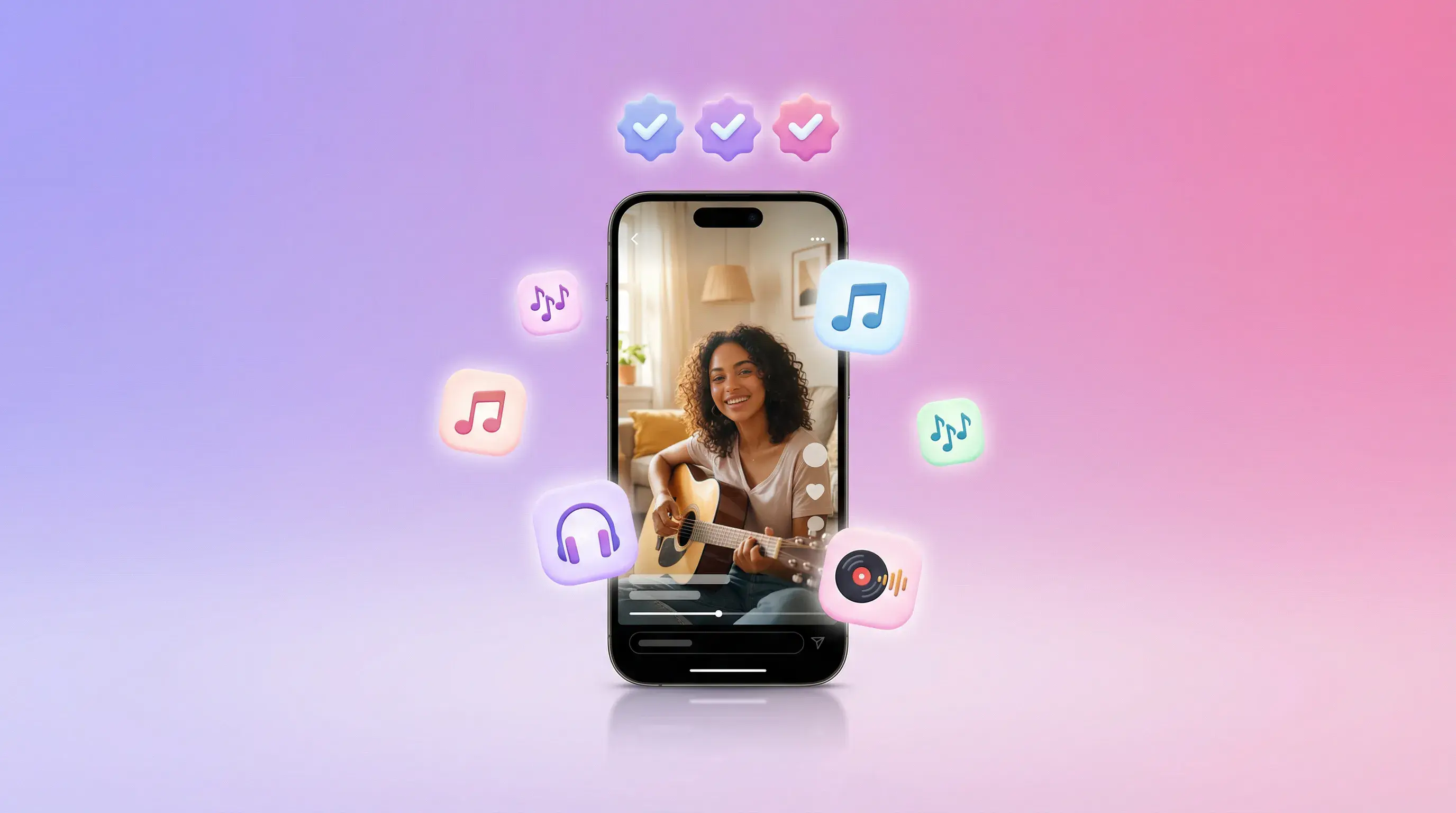
Phone screen playing a UGC-style product video, ringed by music, audio and reaction icons

Key selling points

Add up to three product benefits you want to emphasize.
FEATURESFOCUS
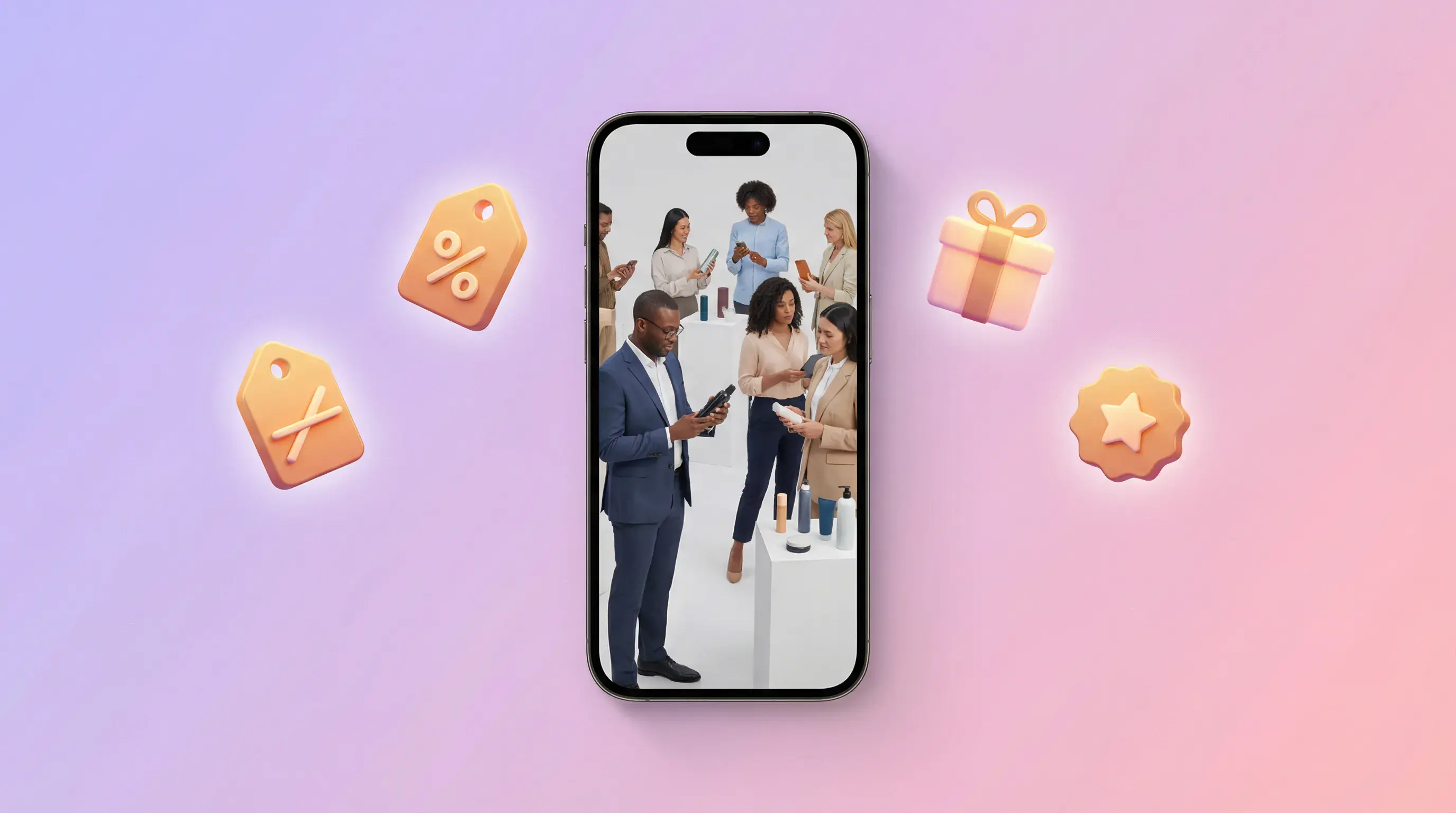
Phone screen showing people in a promo scene, ringed by shopping bag, discount tag and gift icons

Promotional details

Add pricing and offer information.

PROMOPRICE
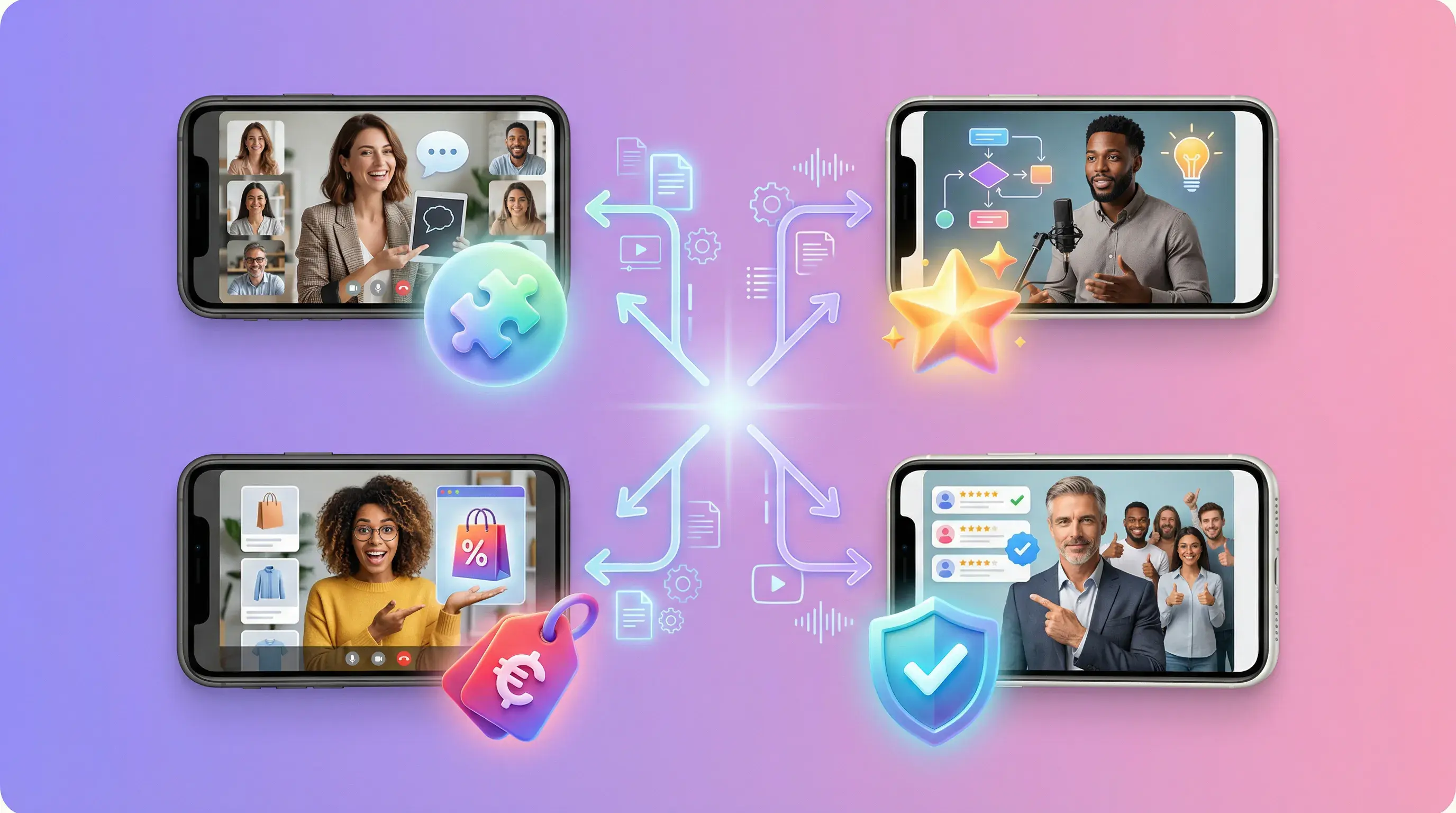
Four phone screens with different presenters, arrows fanning out from one product to each script angle

Script directions

Explore product benefits, offers, and use cases.
ANGLESSTRUCTURE
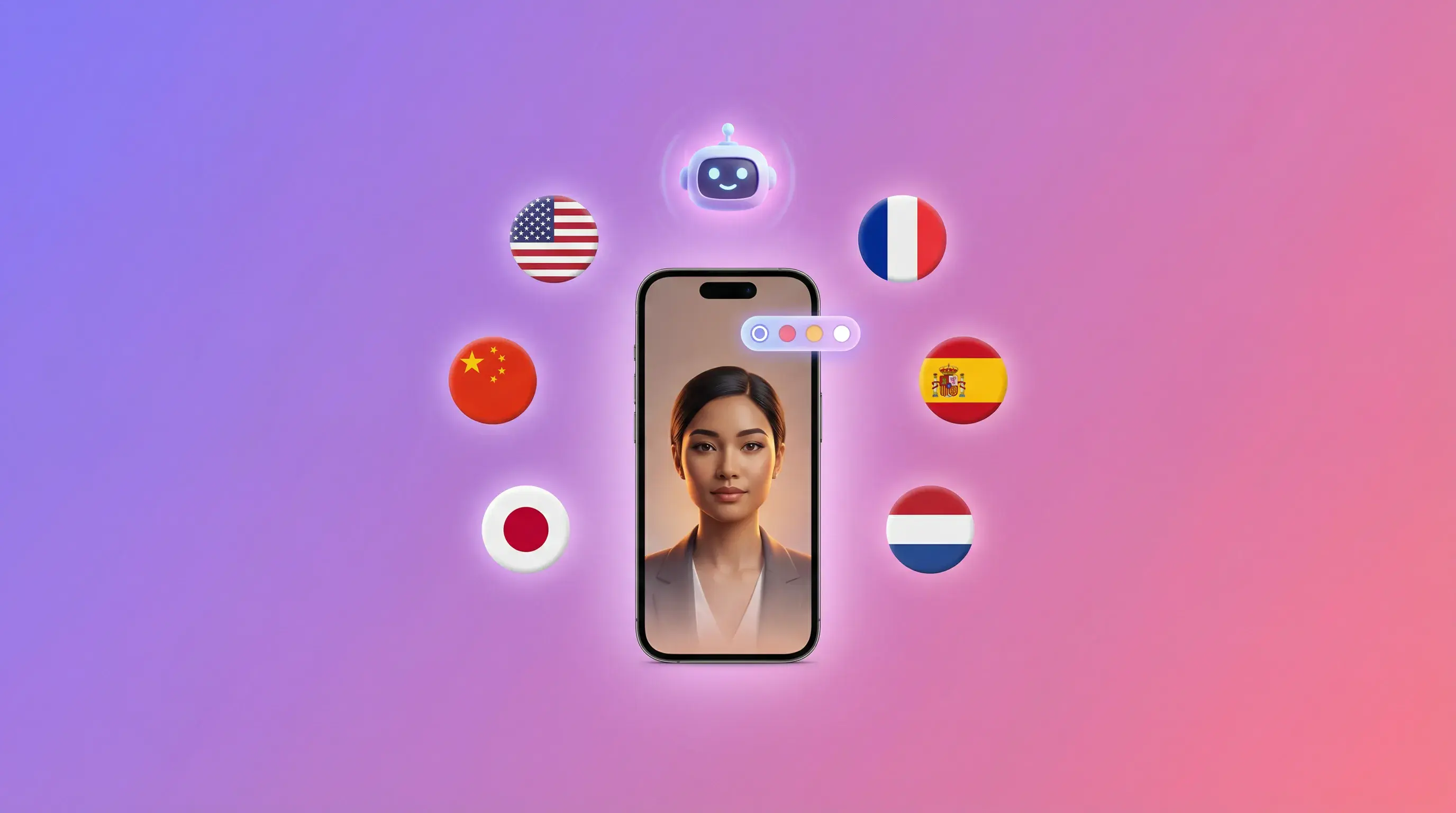
Phone screen with a presenter, surrounded by flags for English, French, Spanish, Japanese and more

Script and voiceover language

Select the script and voiceover language for your intended audience.
LANGUAGELOCALIZATION
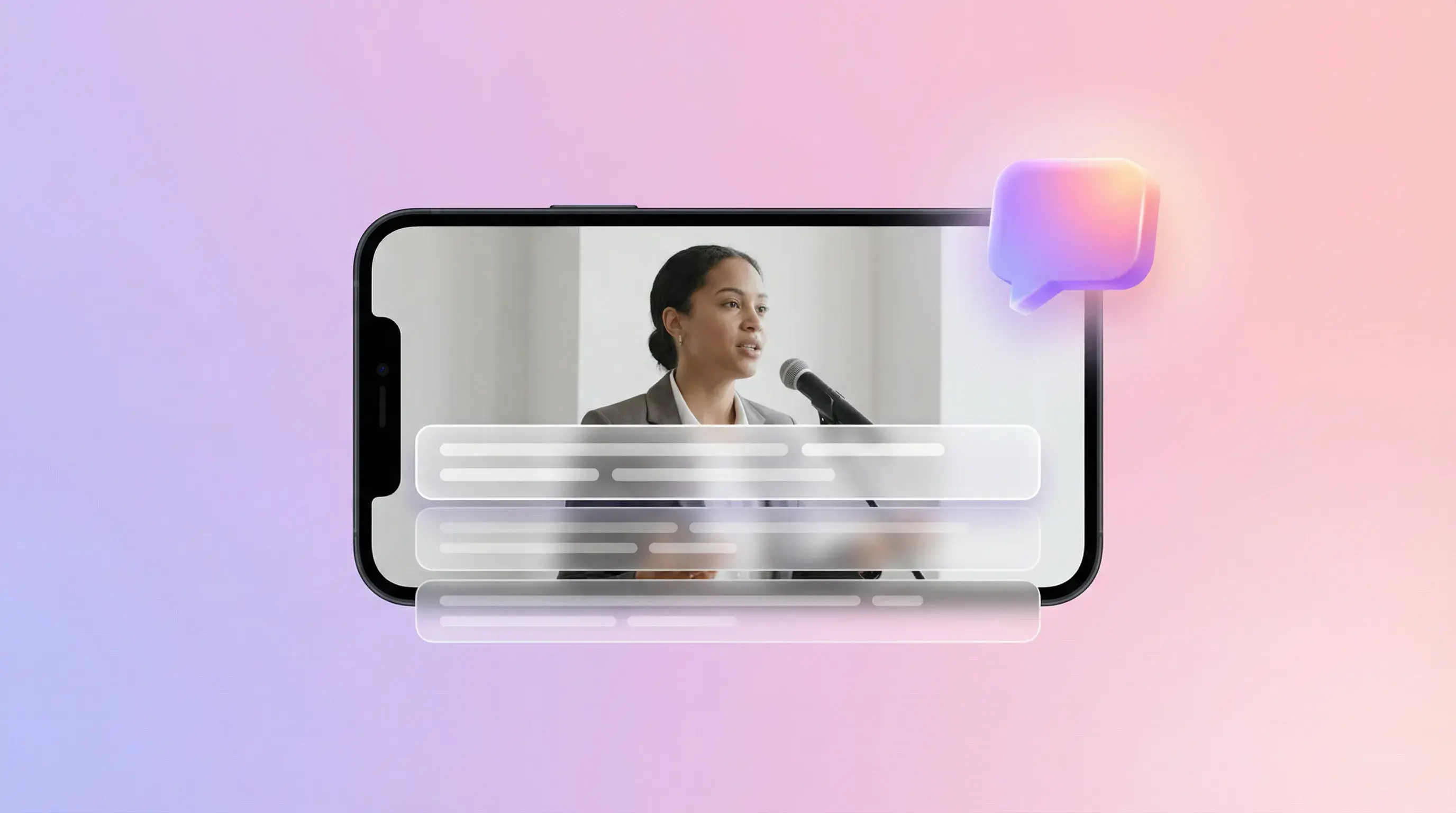
Phone screen showing a presenter speaking, with an on-screen text bar and a chat bubble

Product image source

Upload a JPG or PNG up to 10MB, or pick one you already saved in Assets.
UPLOADASSETS
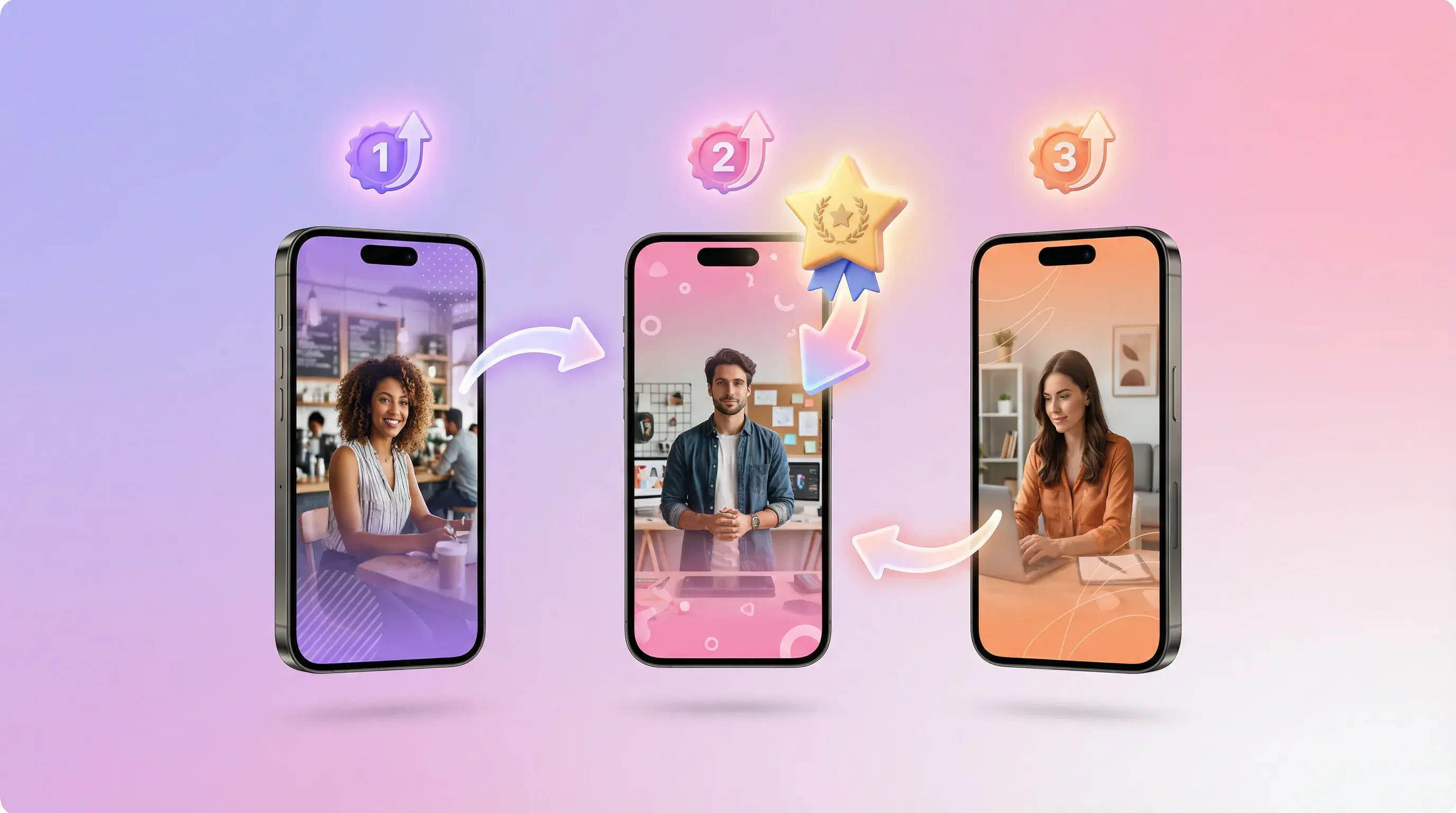
Three numbered phone screens in sequence, showing promo variations generated from one product

Promo quick presets

One-tap options such as free shipping, percentage discounts and new-user offers.
PROMOPRESETS

Everything inside AdsTurbo Product Video

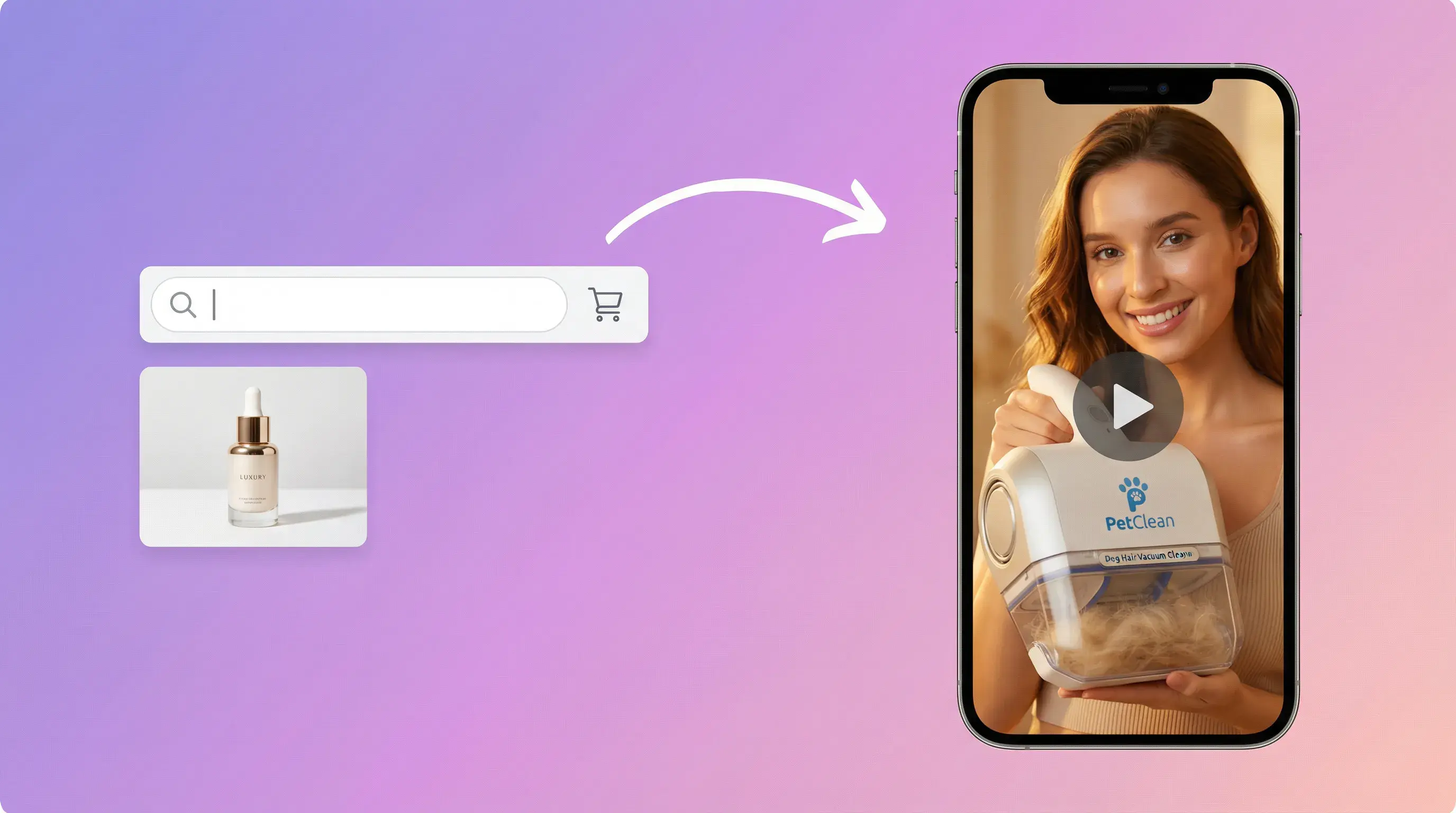
A product thumbnail in a search bar, an arrow pointing to a phone playing the generated video

From product image to video

From a product image to a video ad

  • Use a product image as the starting point for a UGC-style video.
  • Upload a JPG or PNG product image up to 10MB
  • Or pick an image you already saved in Assets
  • AdsTurbo builds the UGC-style video around that product
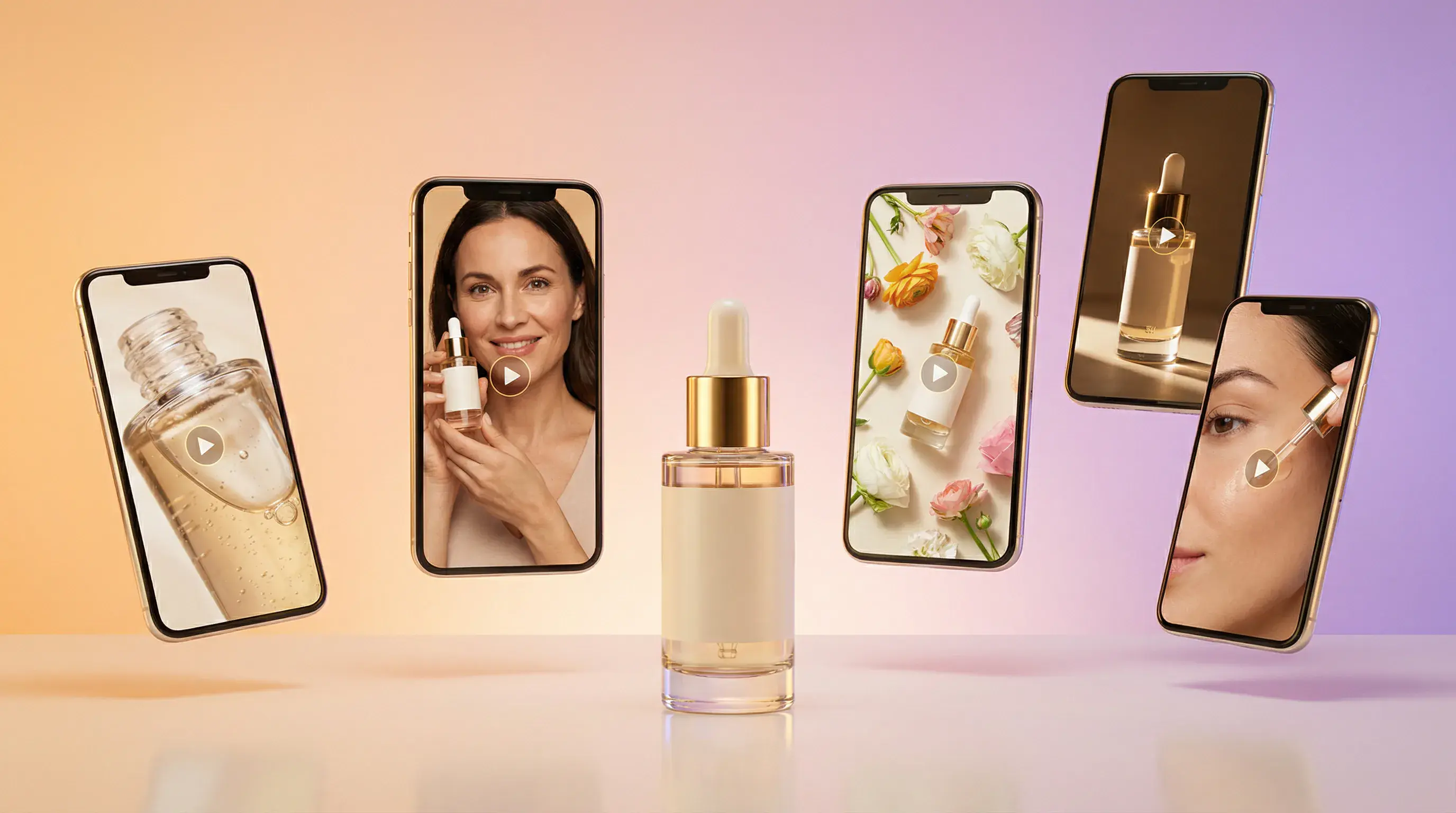
A perfume bottle centred among four phone screens showing it from different scenes and angles

Script controls

Structure a short-form product story

  • Introduce a product benefit, show a use case, and end with a call to action.
  • Three selling point fields in the settings
  • Use them for the features or benefits you want mentioned
  • Keep each point short and specific so the script stays focused
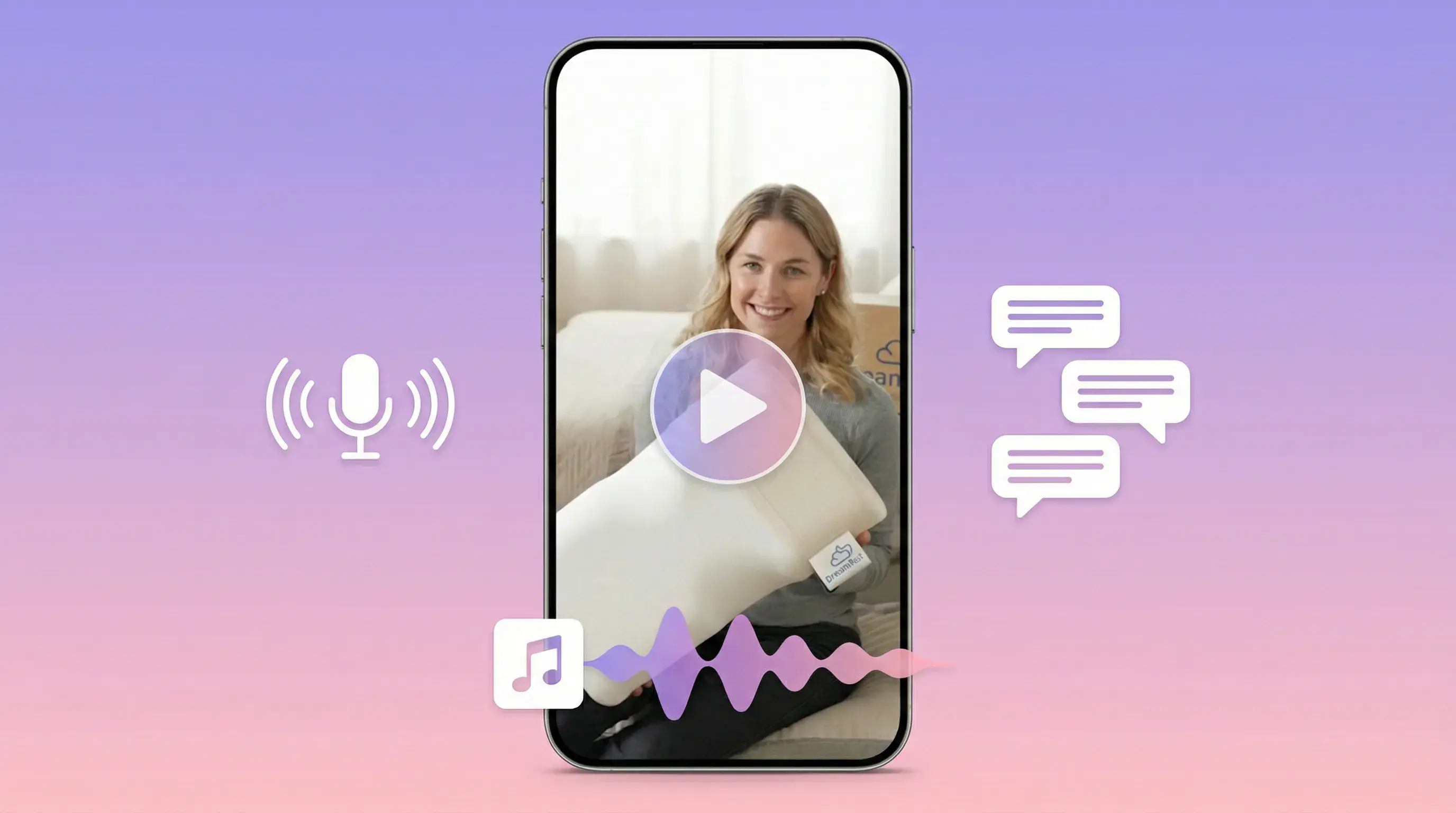
Phone screen with a presenter, a microphone icon, an audio waveform and chat bubbles

Promo-ready

Include your promotional details

  • Add the original price, promotional price, and offer details you want to communicate.
  • Turn Promotional Info on or off
  • Fill in Original Price and Promo Price
  • Use Promotion Details for offers such as free shipping or a coupon
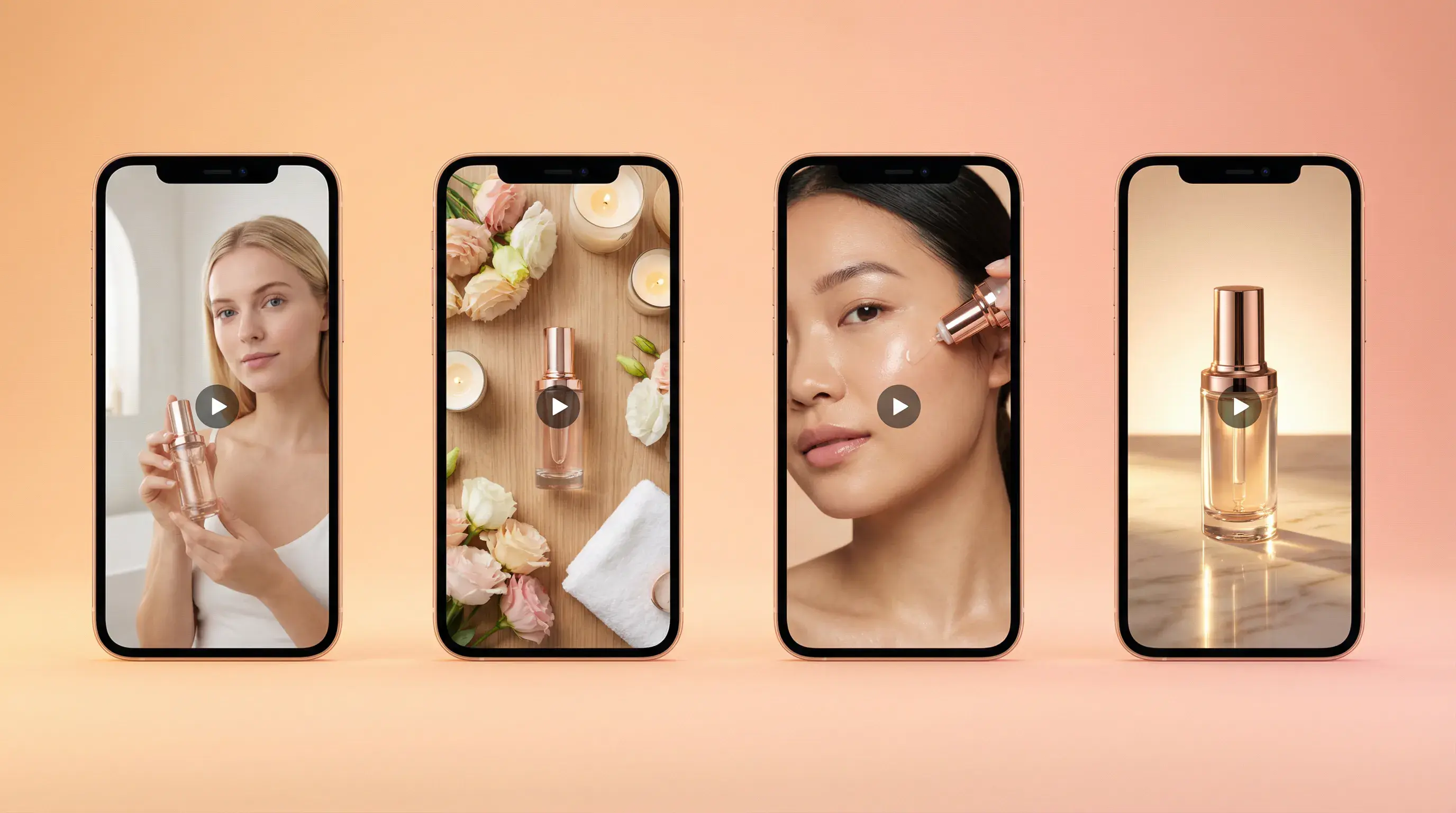
Four phone screens in a row showing the same skincare product in different scenes

Localization

Choose a language for your product video

  • Select the script and voiceover language for your intended audience.
  • Pick the language with the Voiceover Language selector
  • The AI script is written in the language you select
  • Generate again with another language when you target a new market

AdsTurbo Product Video vs other workflows

Speed + localization

AdsTurbo Product Video
Manual UGC production (shoot + edit)
Generic AI video tools
Hiring creators / agencies
Needs filming
No
Yes
No
Usually yes
Includes script + voiceover
Yes
Depends
Sometimes
Yes
Promo updates (price/offer)
Easy
Re-shoot/edit
Medium
Slow
Localization to many languages
Easy
Hard
Medium
Costly

UGC-style product video ad examples

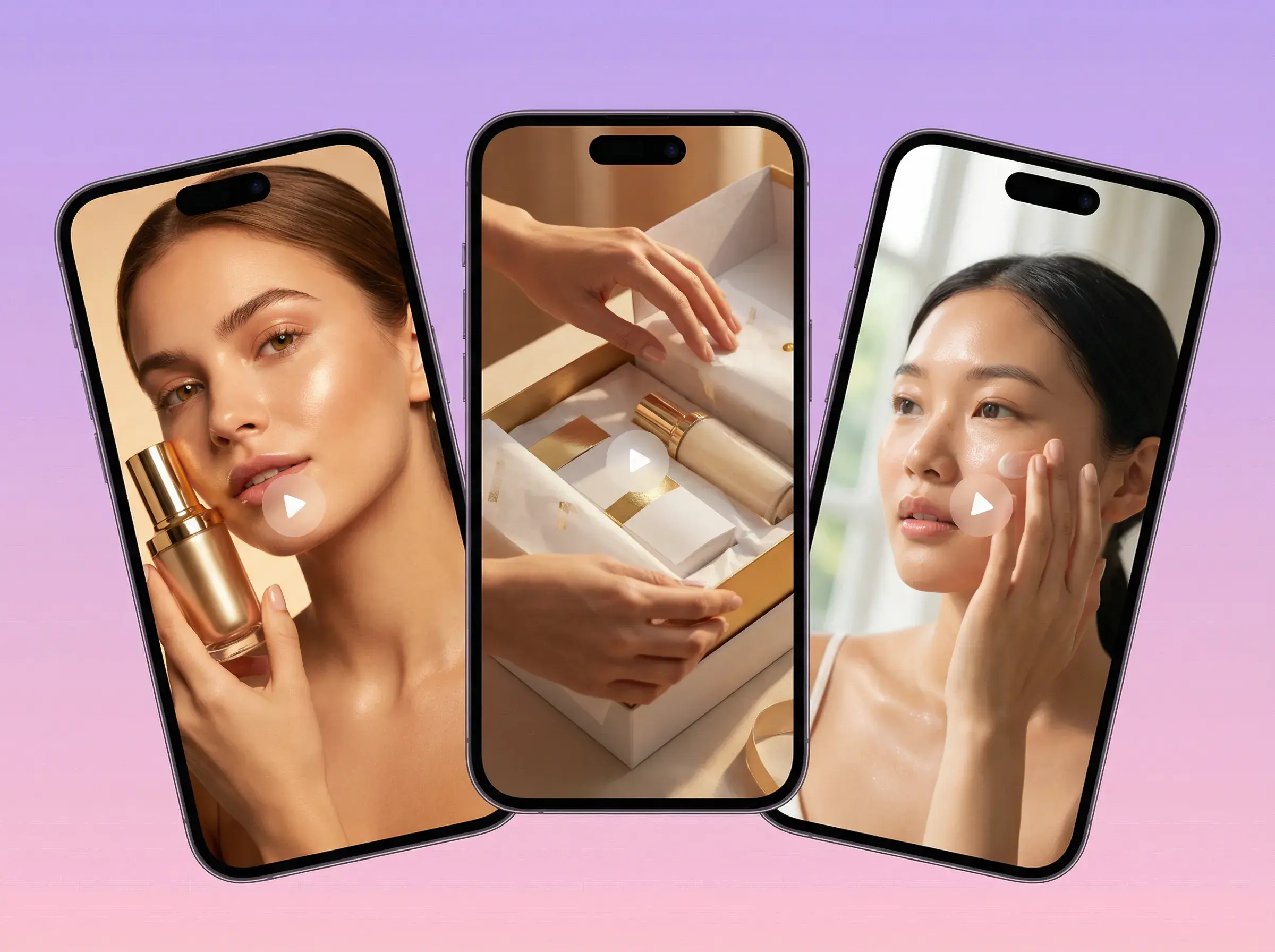
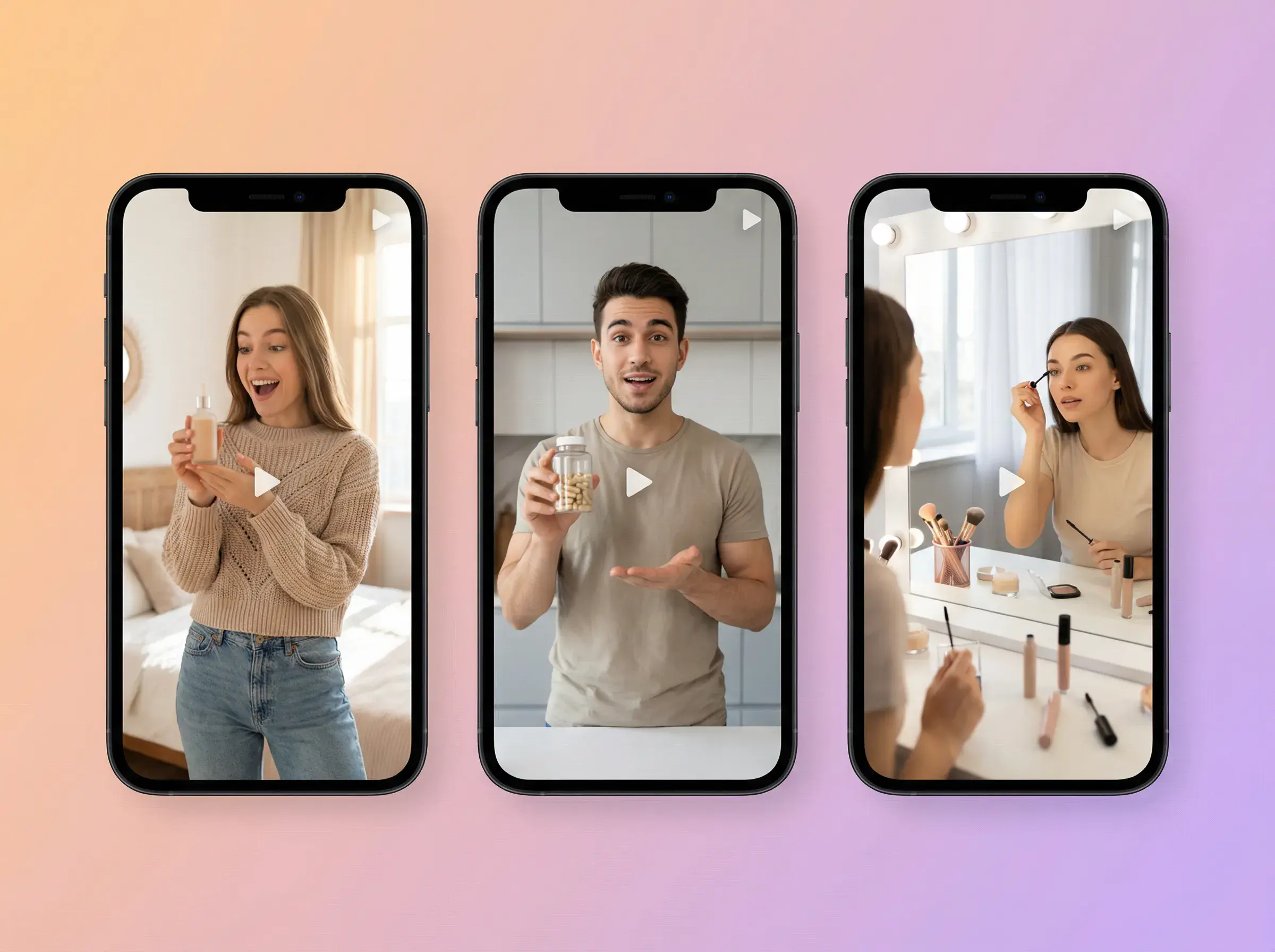
Three phone screens with presenters demonstrating a serum, an unboxing and a skincare routine

Review-style Product Video

Present product features in a conversational format.
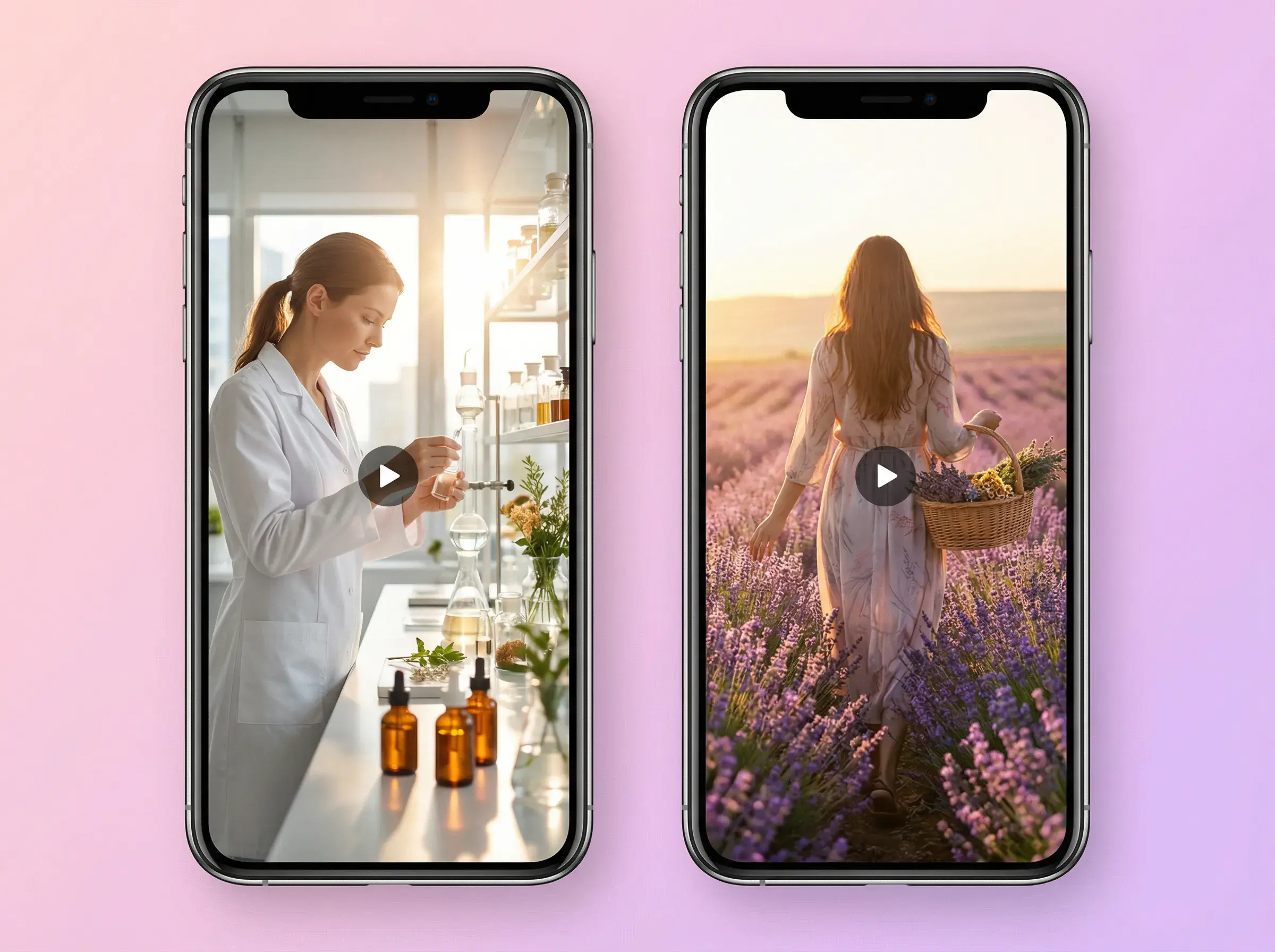
Three phone screens with presenters holding drinks and applying makeup for social promos

Product Introduction Video

An introduction that walks through the product and the selling points you entered.
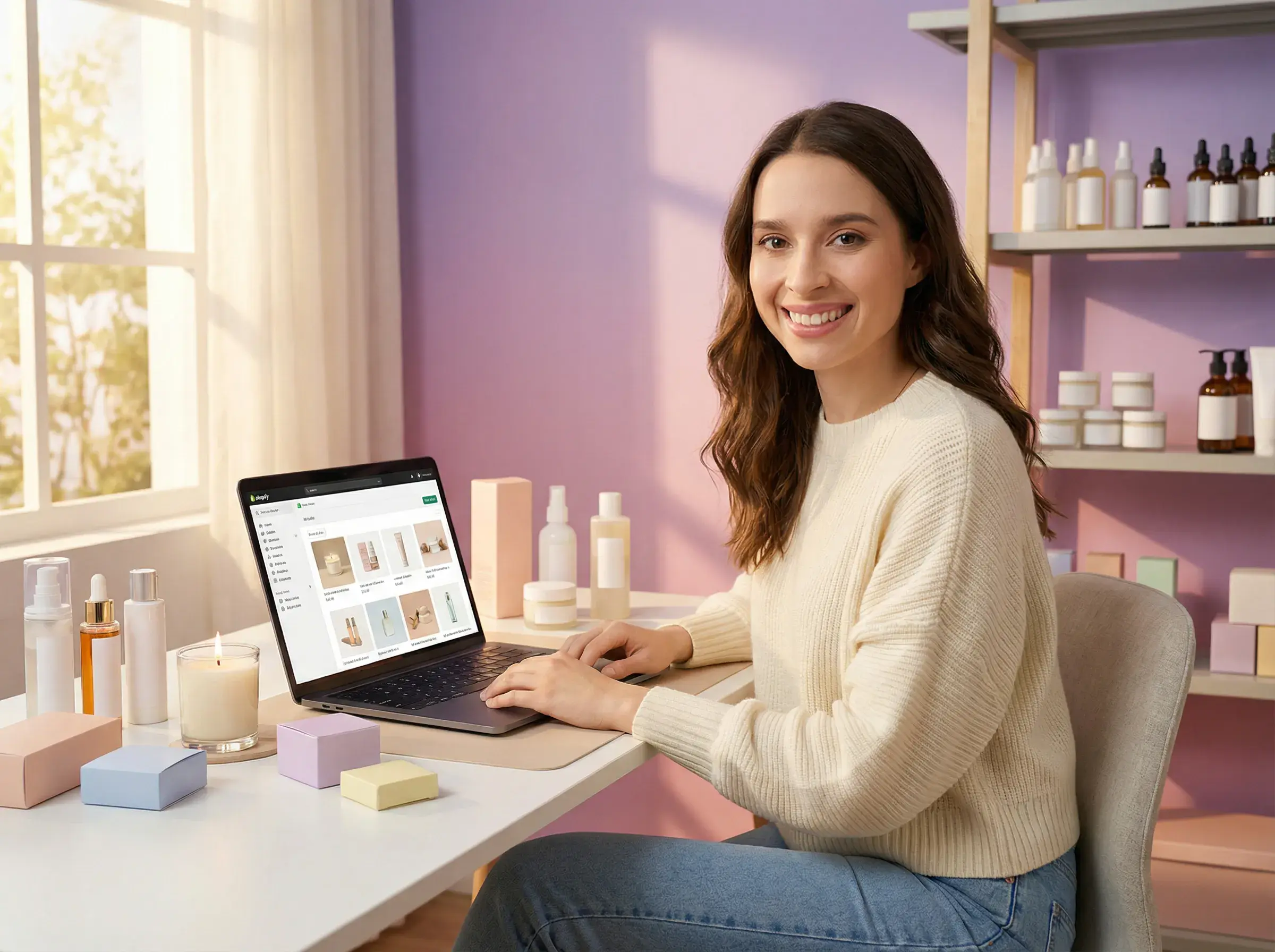
Two phone screens telling a brand story, one in a workshop and one in a lavender field

Product Demo Video

A demo-style video that shows the product in an everyday usage scenario.
What to prepare before you generate

Have these ready before you open Product Video.

Product image
One JPG or PNG image of your product, up to 10MB.
Selling points
Up to three short points you want the script to mention.
Promotional info (optional)
Original price, promo price and promotion details, if you are running an offer.
Voiceover language
The language of the market you are targeting.

Who should use Product Video?

A seller at a desk with a laptop showing a store page, product bottles on the shelves behind

E-commerce brands & sellers

  • Create product videos from the product images you already have
  • Add Original Price, Promo Price and Promotion Details for sales and launches
  • Highlight up to three selling points per product
A marketer at a monitor filled with a grid of video thumbnails, holding a phone in one hand

Performance marketers & growth teams

  • Try different selling points for the same product
  • Prepare offer-led versions with Promotional Info
  • Choose a different voiceover language for each market
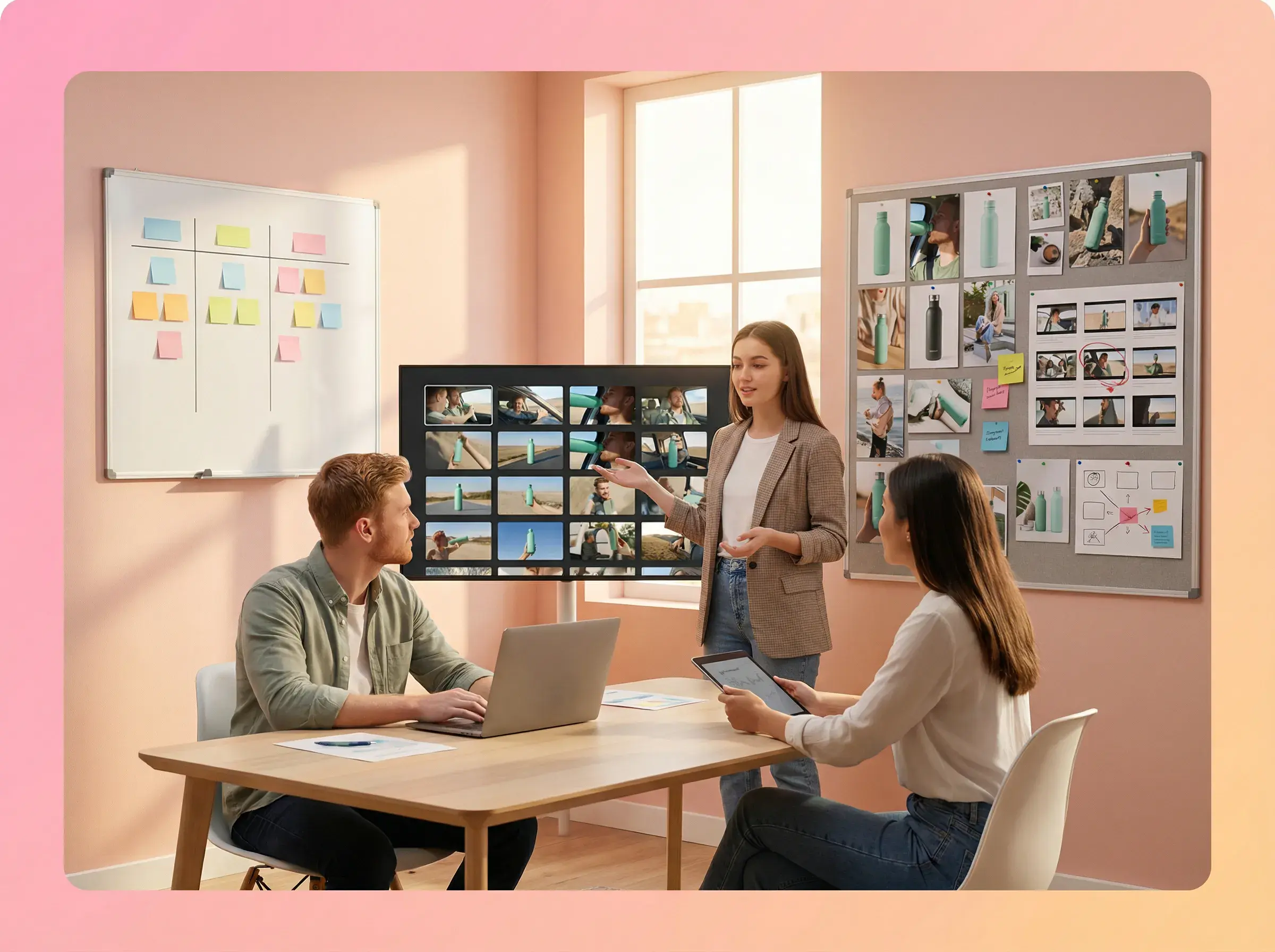
Three people in a meeting room reviewing video grids on wall monitors and a whiteboard

Agencies & creators

  • Create videos for client products from a single image
  • Match each client's offer with the promo fields
  • Choose the voiceover language for each client's target market

FAQ

UGC VIDEO

01What inputs do I need?

A product image in JPG or PNG format, up to 10MB. You can also add up to three selling points, promotional info and a voiceover language.

02How much does Product Video cost?

Product Video currently costs 216 credits per video. Pricing is subject to change.

03Does it work as a UGC script generator?

Yes. AdsTurbo writes an AI script based on your product image and the selling points and promotional info you provide.

04Can I control what features it highlights?

Yes. Enter your selling points in the three selling point fields to guide the script.

05Can I add discounts and shipping offers?

Yes. Turn on Promotional Info and fill in Original Price, Promo Price and Promotion Details.

06Can I generate multi-language versions?

Yes. Choose the language with the Voiceover Language selector before you generate; the AI script uses the language you select. Need subtitles on a video you already have? Try Video Subtitle, a separate AdsTurbo tool.

07Can I use it for ecommerce UGC ads?

Yes. Start from a product image you already use in your store listing, add your selling points and any promotional details, then generate.

Create a product video from your product image

Continue in the workspace.